Brake Pad Health Estimator
Enter your vehicle details below to estimate the current health of your brake pads and when you might need a replacement.
Enter your data and click "Analyze" to see your brake status.
Estimated Status
0% Friction Material Remaining
Est. Total Life
-- miles
Est. Miles Left
-- miles
You're driving down the M60, and suddenly that familiar squeal hits your ears. Is it just noise, or is your car begging for help? Most drivers ignore their brakes until they fail completely, which is a risky game of chicken with physics. Knowing how to tell if your brake pads are bad saves you money on rotors and keeps you from sliding into a roundabout at 40 mph.
The Noise Test: Squeals, Grinds, and Clicks
Your ears are often the first line of defense. Modern cars come equipped with wear indicators, small metal tabs attached to the brake pad backing plate. When the friction material wears down to about 3mm thick, these tabs scrape against the rotor, creating a high-pitched squeal designed to be annoying enough to make you stop and check.
If you hear a metallic grinding sound, you've missed the warning window. This noise means the metal backing plate is now rubbing directly against the brake rotor (also called a brake disc). This damages both parts. Replacing pads alone won't fix this; you'll likely need new rotors too, doubling the repair cost. A clicking sound when applying brakes lightly can indicate loose hardware or worn anti-rattle clips, another sign the assembly needs attention.
Visual Inspection: What to Look For
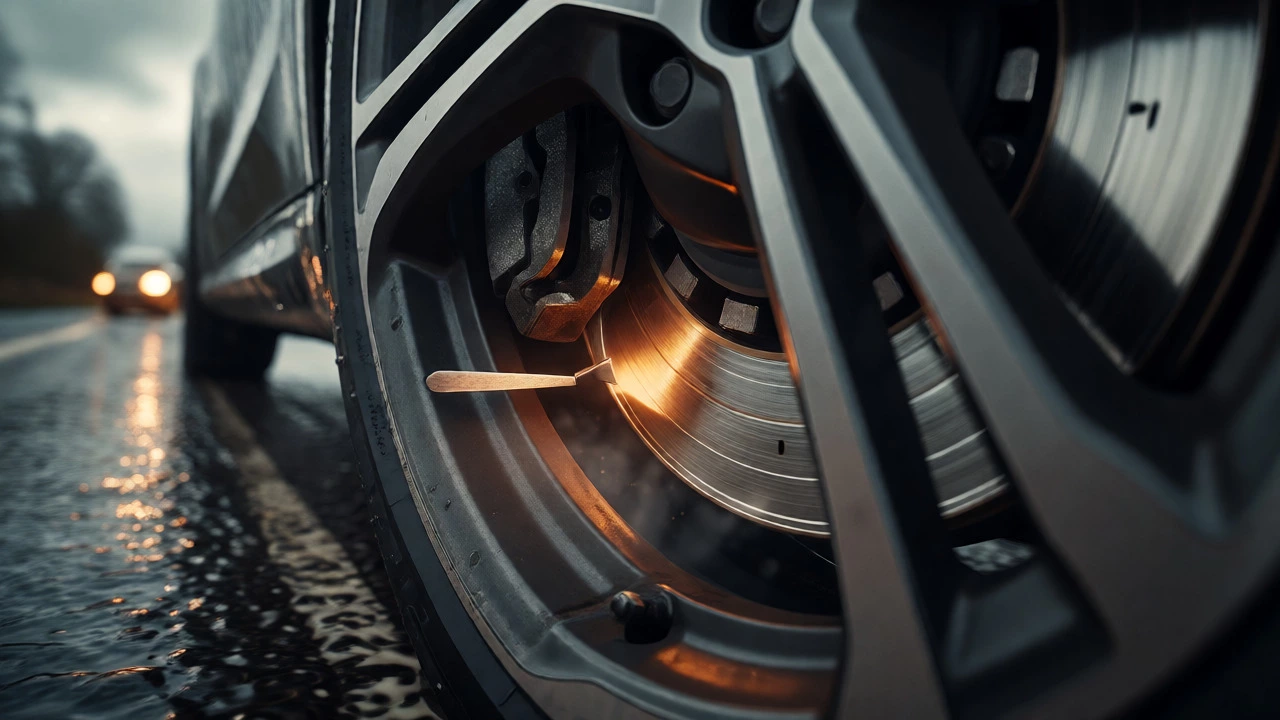
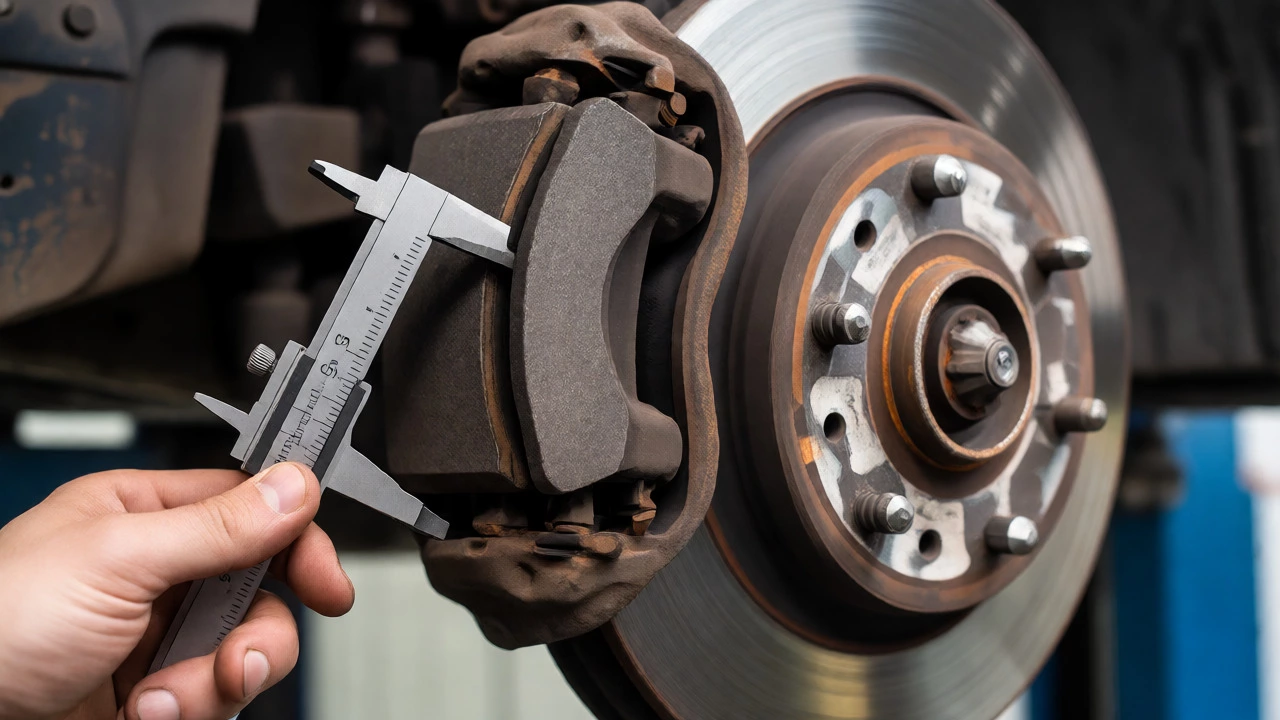
You don't need a garage lift to check your brakes. Most alloy wheels have gaps wide enough to see the caliper and pad through them. Park on level ground, ensure the engine is off, and grab a flashlight. You're looking for the thickness of the friction material-the black or grey composite bonded to the metal plate.
- New pads: Typically 10-12mm thick.
- Replace soon: 3-4mm remaining. Schedule a service.
- Immediate danger: Less than 3mm. Do not drive long distances.
- Metal-on-metal: Friction material gone. Stop driving immediately.
Also check for uneven wear. If one side looks significantly thinner than the other, you might have a sticking caliper piston. This is a mechanical fault that requires more than just new pads; the caliper itself may need rebuilding or replacing.
Feel the Pedal: Performance Clues
Your foot knows more than your eyes do. Pay attention to how the brake pedal feels under normal stopping conditions.
A soft or spongy pedal often points to air in the hydraulic lines or old brake fluid, but it can also mean the pads are glazed. Glazing happens when pads overheat during aggressive braking, causing the surface to harden and lose friction capability. Conversely, a pulsating or vibrating pedal usually indicates warped rotors, often caused by heavy braking followed by rapid cooling (like hitting a puddle after a downhill run). While this isn't strictly a pad issue, it affects how the pads engage and requires immediate inspection.
Dashboard Warnings and Electronic Sensors
Newer vehicles (post-2010) often use electronic wear sensors instead of-or alongside-mechanical tabs. These sensors measure resistance across the pad material. As the pad wears down, the circuit breaks, triggering a dashboard light. If you see a brake warning icon (often a circle with parentheses around it), consult your owner's manual. It could mean low brake fluid, parking brake engagement, or worn pads. Don't assume it's minor; electronic sensors can fail, so always verify visually.

Factors That Kill Brake Pads Faster
Why does your neighbor's car last 60,000 miles while yours needs new pads at 25,000? Driving style matters most. City driving with frequent stops wears pads faster than highway cruising. Aggressive acceleration followed by hard braking generates excessive heat, degrading the friction material. Carrying heavy loads adds stress. Even your choice of pad compound affects lifespan.
| Material Type | Lifespan Estimate | Noise Level | Dust Production | Best For |
|---|---|---|---|---|
| Organic | 25,000-40,000 miles | Quiet | High | Daily commuting, budget repairs |
| Semi-Metallic | 40,000-60,000 miles | Moderate squeal | Moderate | Towing, heavier vehicles |
| Ceramic | 50,000-70,000+ miles | Very quiet | Low | Premium comfort, longevity |
When to DIY vs. Visit a Mechanic
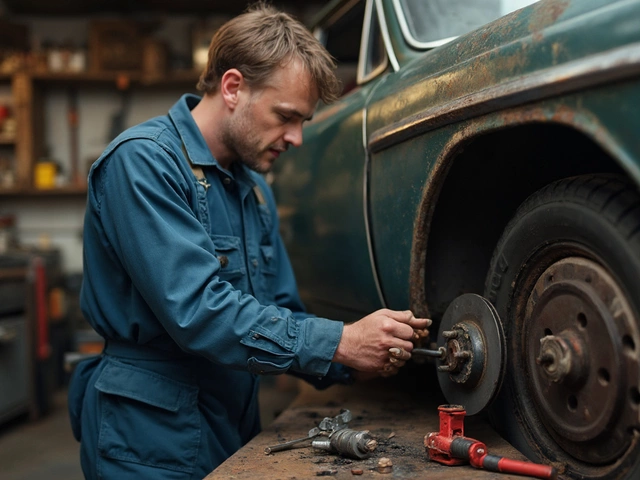
Changing front brake pads is a manageable weekend job for many DIYers. You'll need basic tools: jack, stands, lug wrench, C-clamp or piston tool, and socket set. Rear brakes on some cars require special tools to retract the electronic parking brake motor, adding complexity.
Go to a professional if you hear grinding (rotor damage suspected), feel vibration (warped rotors), or lack confidence working under a lifted car. Safety isn't a place to cut corners. A poorly installed pad can shear off or cause uneven braking, leading to accidents.
How long do brake pads typically last?
Most brake pads last between 25,000 and 70,000 miles. However, city driving, aggressive braking, and organic pad materials shorten this range toward the lower end, while highway driving and ceramic compounds extend it.
Can I drive with bad brake pads?
You can drive short distances with worn pads (3-4mm remaining), but avoid highways or heavy traffic. If you hear grinding or have less than 2mm of material, stop driving immediately to prevent rotor damage and potential brake failure.
What does a squealing noise mean?
A high-pitched squeal usually indicates the wear indicator tab is contacting the rotor, signaling the pads are near the end of their life. It can also happen temporarily due to moisture or dust, but persistent squealing requires inspection.
Do I need to replace rotors with pads?
Not always. Rotors only need replacement if they are scored deeply, warped (causing vibration), or below minimum thickness specifications. If rotors are smooth and within spec, resurfacing or simply installing new pads is sufficient.
Why are my new brake pads making noise?
New pads need a break-in period called bedding-in. During the first 300-500 miles, avoid hard stops to allow the friction material to transfer evenly onto the rotor. Some cheap pads also contain shims that may rattle if not installed correctly.